
Sector:
Construction
Keeping track of company mobile phones in Excel spreadsheets only works up to a point. At WOLF System Polska, a company with over 200 employees, the growing number of mobile devices had begun to make it difficult to manage hardware and ensure data security.
The company decided to implement Techstep’s Essentials MDM solution to streamline smartphone and tablet management across the organisation. As a result, the IT team regained control of mobile devices, setting up new phones became faster, and corporate data security improved significantly.

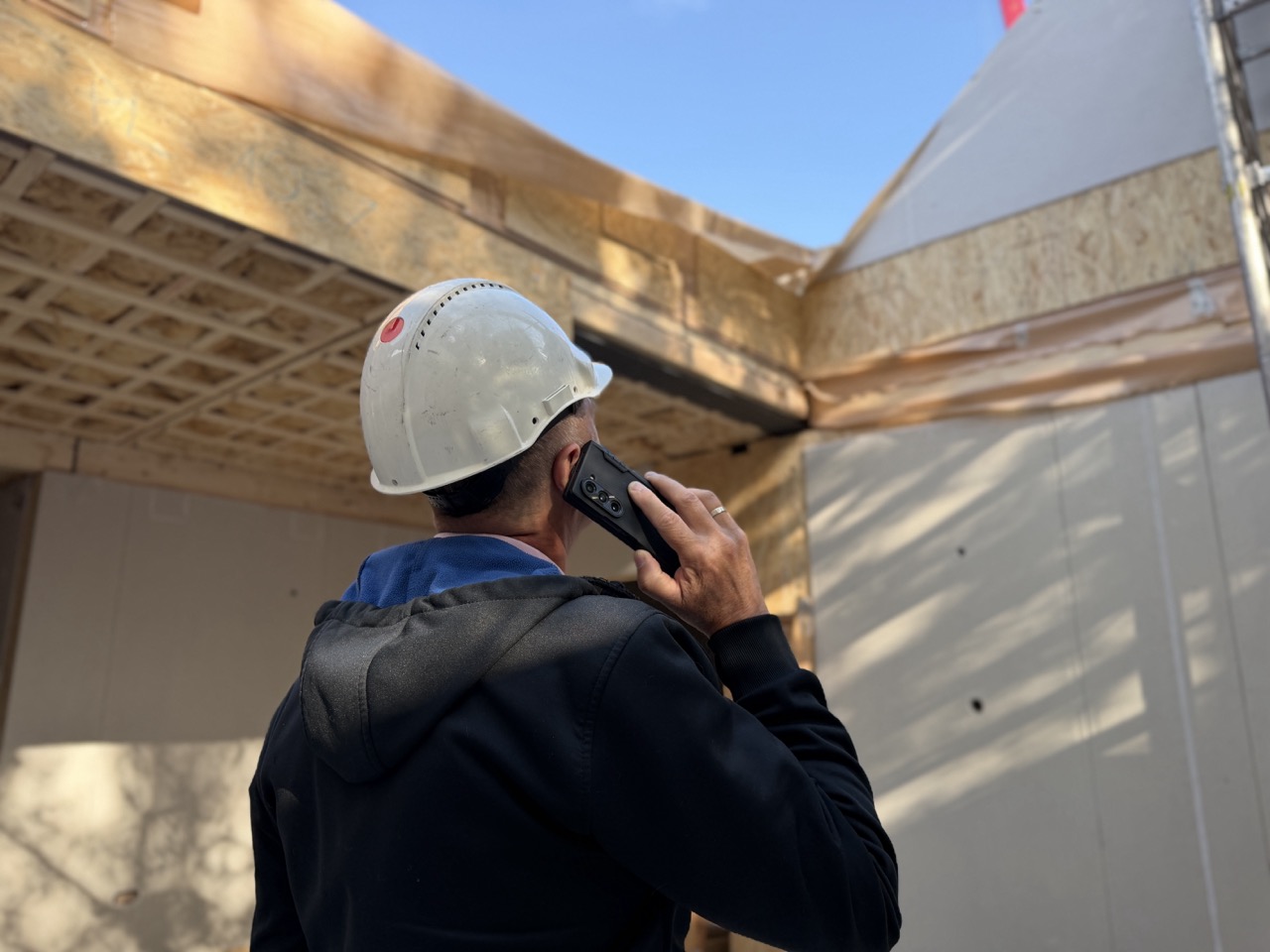
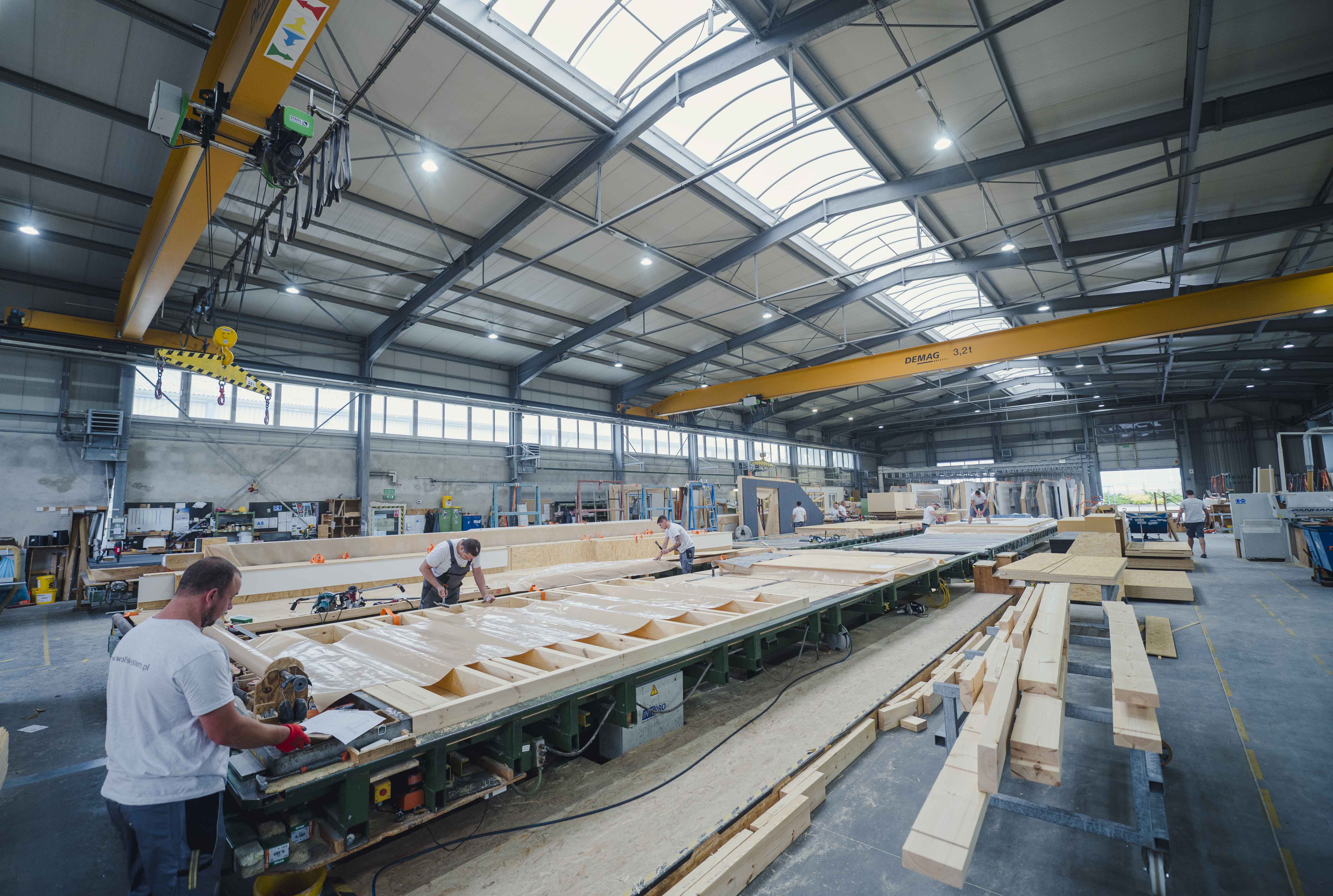
WOLF System Poland has been operating for over 30 years, specialising in the construction of timber-frame homes, as well as halls and tanks for agriculture and industry. The company operates nationwide and across Europe, making efficient communication and quick access to information essential. Mobile devices are a core working tool for both office teams and field staff.
Sector:
Construction

Customer since:
2021

No of managed devices:
170
As the number of mobile devices has grown, the existing approach to fleet management has become ineffective. Keeping records in Excel spreadsheets made it difficult to monitor the equipment, its users and the devices’ lifecycle.
The biggest challenges included:
keeping track of and accounting for devices assigned to staff
managing a growing fleet of mobile phones and tablets
ensuring compliance with GDPR requirements
enforcing security policies
the time-consuming configuration of new devices
the return of mobile phones assigned to staff’s personal accounts
“The scope of our operations and the diversity of our needs posed a major challenge for our company in terms of fleet management. Every piece of equipment issued required complex configuration. We often received returns of devices that were locked because they were linked to users’ personal Google accounts”
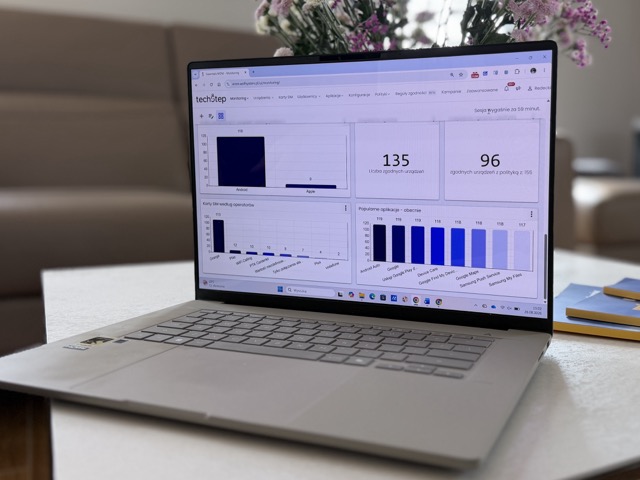
WOLF System compared several MDM systems whilst searching for a solution tailored to the specific needs of a construction company with a dispersed fleet of devices.
The choice fell on Techstep Essentials MDM due to its extensive configuration options and affordable price. Technical support in Polish and the Techstep team’s quick response times were also key factors.
“We compared several solutions. Essentials MDM was the best fit for our needs and circumstances: easy to use, good value for money and with prompt support we could rely on.”
The goal was to manage all smartphones and tablets across the organisation in one system.
As part of the deployment:
The device fleet was standardised
IT implemented automatic device registration and configuration (zero-touch)
Devices were divided into groups based on different user needs
The team centralised the management of applications and security policies.
With Essentials MDM, mobile devices now play a key role in day-to-day operations across the organisation. WOLF System Polska uses smartphones and tablets both for fieldwork and for sales activities.
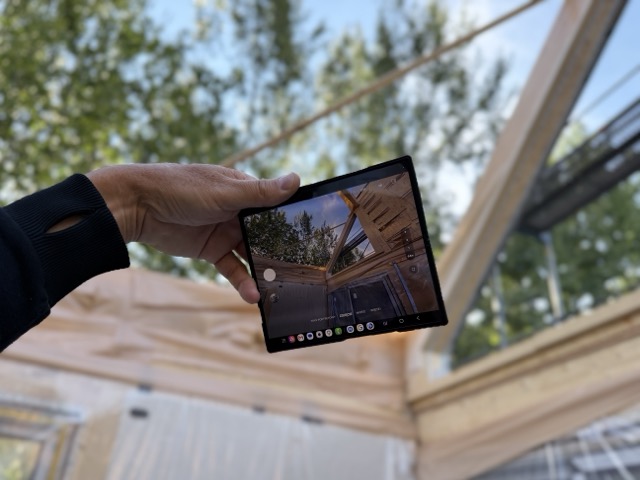

Service engineers, site managers and field staff use devices configured to suit their needs. The right apps, settings and access levels help them work efficiently while meeting the organisation’s security standards.
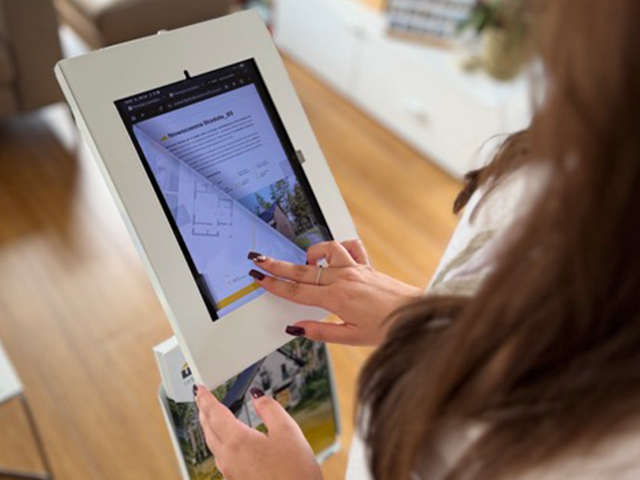
At trade fairs and in the showroom, tablets in kiosk mode let potential customers enter their contact details through forms. This helps the devices support sales as well as day-to-day operations.
“By implementing Essentials MDM, we have streamlined our device management and enhanced the security of our company data. From a business perspective, this means more efficient organisation of work and greater peace of mind in our day-to-day operations, allowing us to focus on customer service and sales growth.”
Essentials MDM has helped WOLF System Polska manage its growing mobile device fleet more efficiently and simplify day-to-day work for its IT team. The company has gained greater control over its hardware, data security and the process of deploying new devices.


MDM helps enforce software updates, device encryption and secure access to corporate systems. Techstep also provides visibility into device security status and reporting capabilities that support audits, compliance reviews and cybersecurity governance.
Administrators can remotely diagnose issues, check battery health, restore configurations or use remote support capabilities to troubleshoot devices. This reduces waiting times, minimises disruption and limits the need for on-site service visits.
A lost device can be remotely locked or wiped within minutes to protect business data. Using preconfigured deployment profiles, a replacement device can be prepared automatically and ready for use as soon as it is switched on.
No. Most migration projects are carried out in phases, allowing old and new device groups to coexist during a transition period. Zero-touch deployment is available for newly purchased devices, while older devices may require a factory reset, which is why many organisations combine MDM implementation with a device refresh programme.
Yes, provided appropriate BYOD policies are in place. Corporate data remains separated from personal applications and can be removed without affecting employee-owned content. Personal photos, messages and applications remain inaccessible to IT administrators.

To address the challenges posed by tight deadlines, long distances, and unforeseen challenges for cleaning staff in the Norwegian healthcare sector, Techstep has equipped the cleaning staff with iPads running the CleanPilot app - a digital platform tailored for cleaning work.

Polish Post has enhanced parcel deliveries with the “Mobile Postman” project, powered by Techstep’s Essentials MDM system—boosting efficiency, strengthening data security, and elevating service quality.

Mesta's decision to partner with Techstep as their provider of smarter mobile technology is grounded in a longstanding, successful, and mutually beneficial relationship.