Cloud
Shared cloud infrastructure
|
Fastest to deploy (24–48h) |
|
|
Automatic updates managed by Techstep |
|
|
12-month minimum commitment |
Best for: SME, quick start, no on-prem requirement
Essentials MDM gives your IT team the control they deserve. Whether it's a warehouse scanner, a doctor's tablet, a salesperson's smartphone — if it touches corporate data, it needs to be managed, secured, and recoverable if something goes wrong.
Continuously verify that every device meets your security baseline — OS version, passcode strength, encryption status — and automatically restrict access if it doesn't.
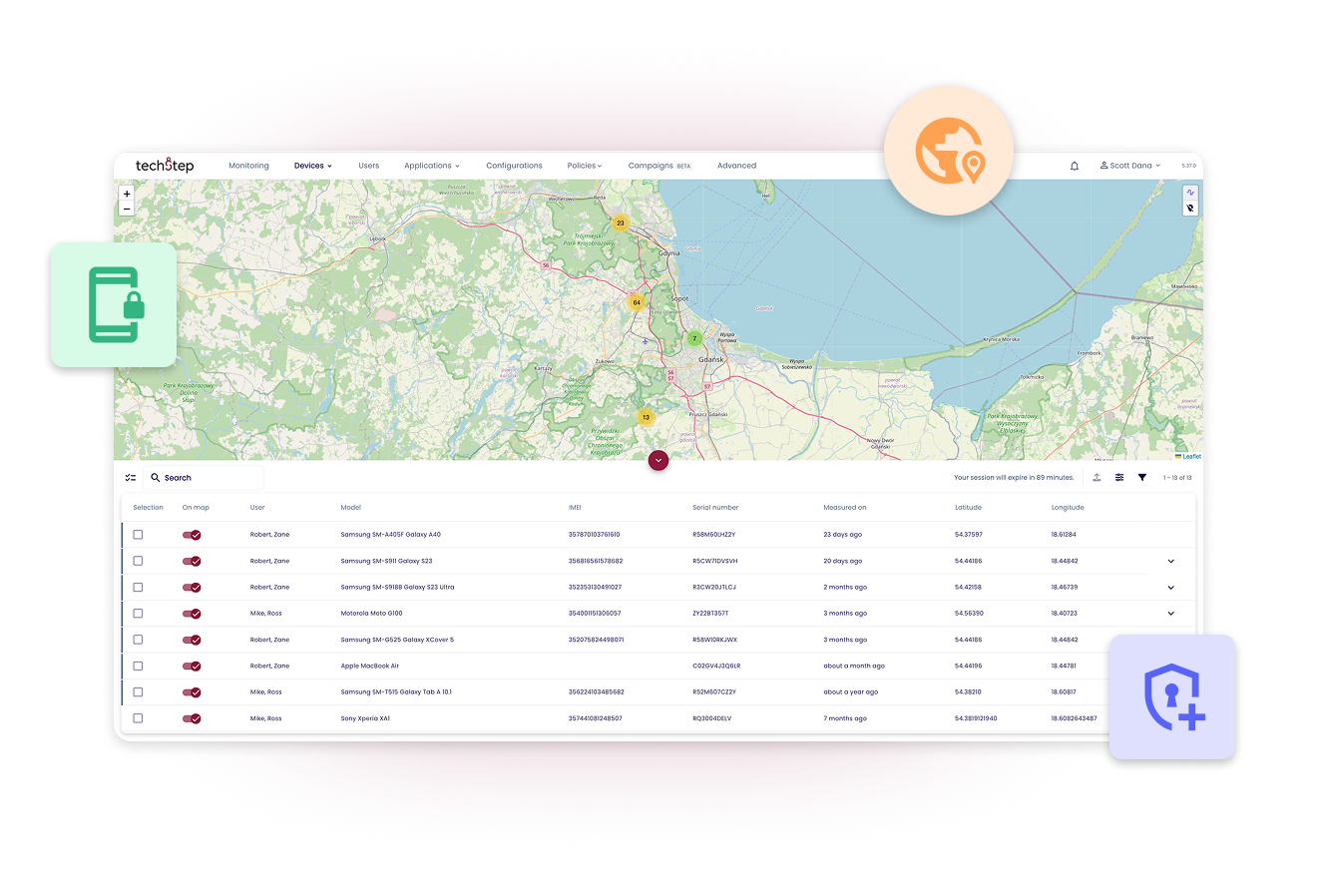
Lost device? Lock or factory reset in seconds. Selective wipe removes work data while preserving personal content on BYOD.
Integrate with Entra ID, Exchange, or any SAML-compatible identity provider. Non-compliant devices lose access to corporate email automatically.
Ensure every device is patched and secure by pushing OS and application updates automatically. You never have to chase down a user or manually touch a machine to stay protected.
Deploy on your own servers. No cloud dependency. Required for classified environments — and certified for them across multiple EU markets.
Certificate-based authentication and a mandatory VPN ensure that only verified hardware can access corporate resources. The moment a device falls out of policy, access is cut automatically.
Pair with built-in Essentials MTD powered by Pradeo for real-time threat detection and automated remediation. MTD reports built into the console.
Developed and operated in Europe. EU data residency. No US Cloud Act exposure. Relevant for any organisation subject to GDPR enforcement or national security requirements.
Work data stays work data. Corporate policies apply to business apps only — the employee's personal life is untouched.
Meet your regulatory requirements by design. Location-based policies and data-handling restrictions enforce the standards your regulators expect.
Stop struggling with manual exports. Use the custom report builder to give auditors exactly the data they need, making your next audit a routine check rather than a deep dive.
Every configuration change, policy push, and security update is logged automatically — the evidence NIS2 and DORA compliance now require you to produce on demand.
Essentials Mobile Threat Defence adds detection and response — built into the console you already use. Powered by Pradeo.
Drivers, nurses, technicians, store staff — when their device is down, the work is down. Essentials MDM eliminates operational friction by managing every scenario, from BYOD and fully managed devices to shared kiosks and workstations, ensuring your team focuses on the business, not helpdesk tickets.
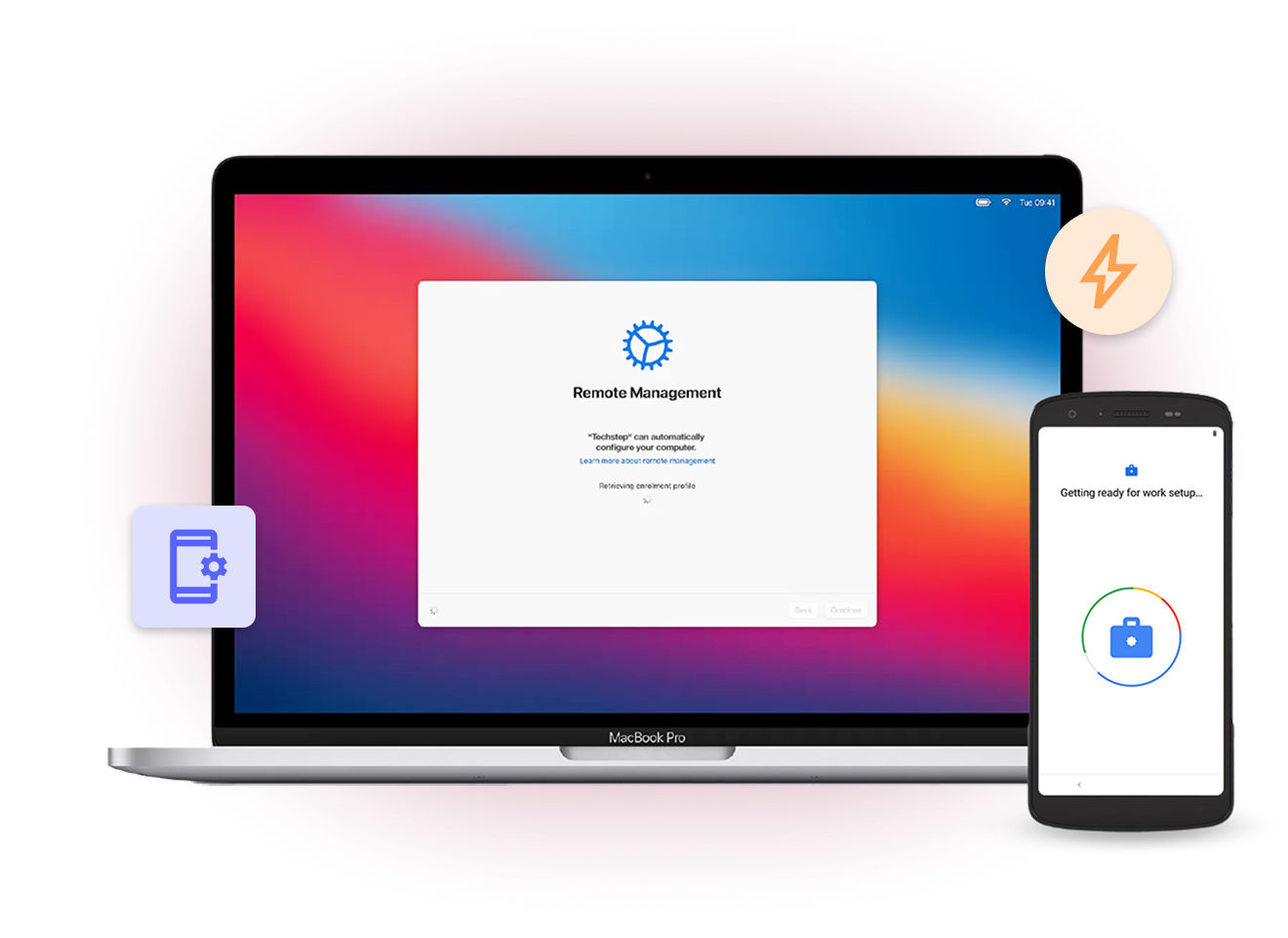
The moment it boots, it's enrolled, configured, and policy-applied. IT doesn't need to be in the room.
Email, VPN, apps, wallpaper — pushed silently, without asking anyone to do anything.
Heartbeat monitoring flags devices that stop responding — you find out before the driver calls the helpdesk.
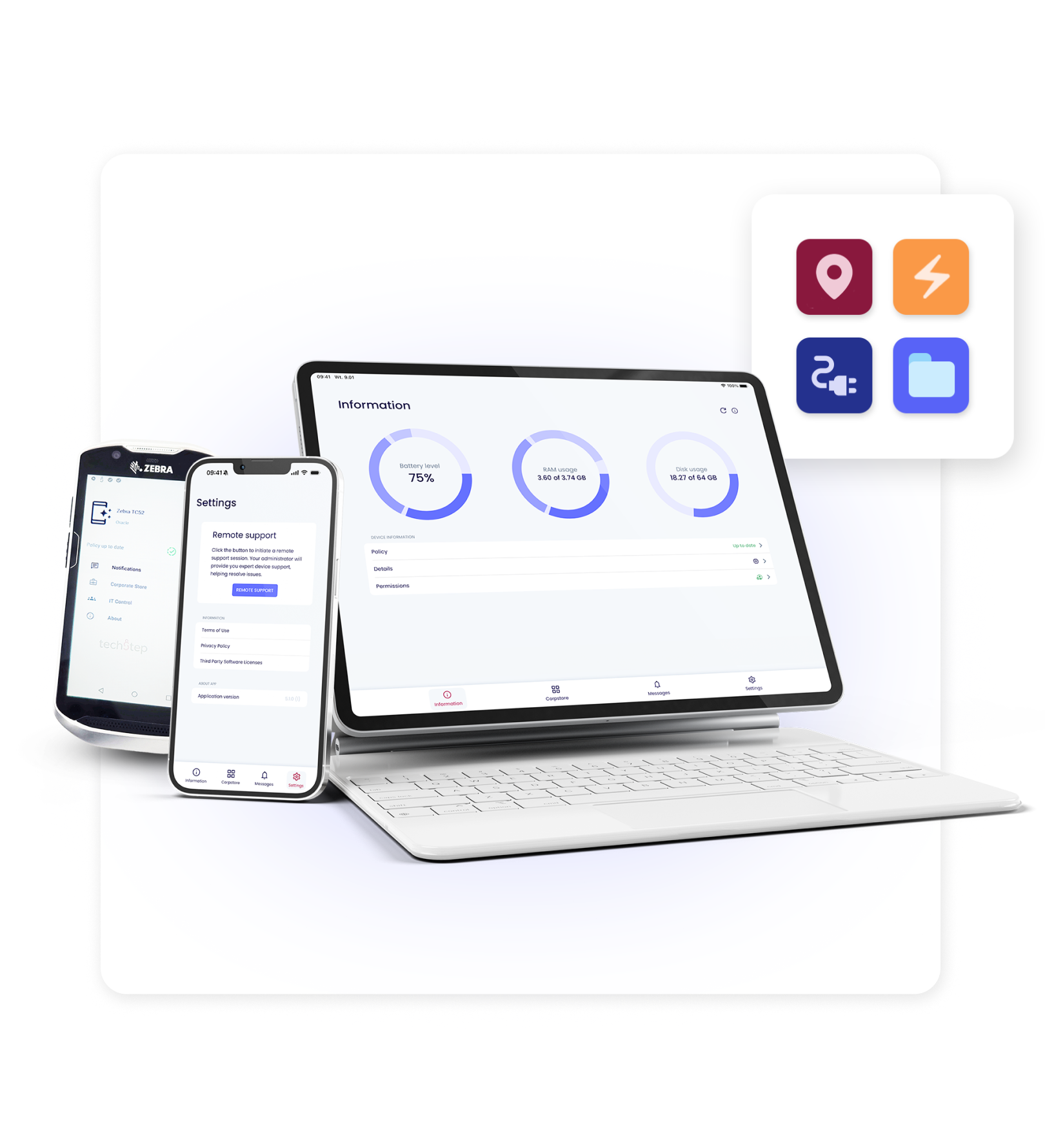
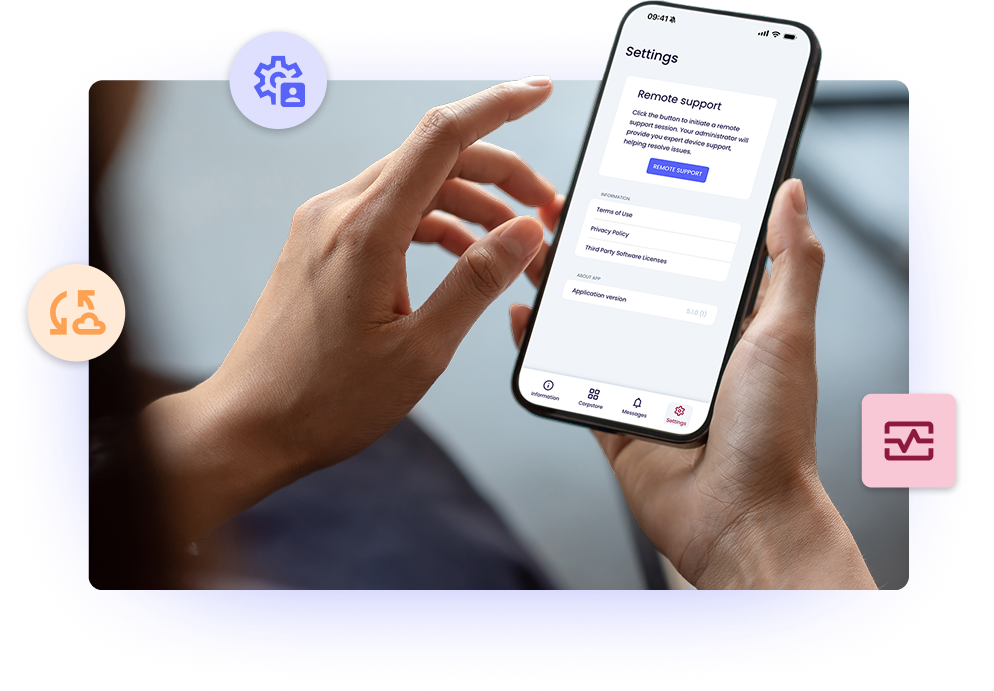
Live screen access to any device, anywhere. Built into every licence — no separate agent, no hidden cost.
A driver crossing a border triggers roaming restrictions. A device entering a secure site automatically gets stricter security policies. A device moving above a set speed fires an alert.
Drag-and-drop launcher locked to the apps and web shortcuts that matter for the role. No configuration drift between shifts.
For government and defence, cloud-based data isn't an option.
Techstep holds national security certification in Spain (CCN, Spain's National Cryptiologic Centre) and meets clearance requirements aligned with Poland's ABW IInternal Security Agency) — for the environments that need it.
A device containing patient records has no business being unaccounted for.
Our platform ensures constant, automated oversight of every clinical endpoint, keeping sensitive data strictly isolated and fully compliant.
Drivers cross borders, enter dead zones, and hand devices between shifts.
Essentials MDM keeps the fleet visible and controlled — with geo-triggered policies, roaming controls, and remote support for non-technical staff.
Engineers in the field need the right apps, the right access, and nothing else.
Push job-specific configurations silently, enforce VPN for secure system access, and know when a device has gone quiet before anyone calls it in.
Shared devices in shops, clinics, and retail points must work the same for every user.
Configure once, enforce always, reset automatically between users.
Finance, insurance, and legal organisations operate under scrutiny.
Every device needs to meet policy, every access event needs to be logged, and your compliance team needs to be able to prove it on demand.

|
Fastest to deploy (24–48h) |
|
|
Automatic updates managed by Techstep |
|
|
12-month minimum commitment |
Best for: SME, quick start, no on-prem requirement

|
Isolated server — your data only |
|
|
More integration options (AD, Entra, CA) |
|
|
European data centre |
Best for: Enterprise, GDPR-sensitive, no on-prem team

|
Full data control — nothing leaves your infra
|
|
|
Air-gapped operation supported |
|
|
Perpetual licence available
|
|
|
CCN & ABW compatible
|
Best for: Government, banking, defence, classified data
Every MDM works within the boundaries device manufacturers set. The core capabilities — enrolment, policy enforcement, remote wipe — are largely the same across vendors. Essentials MDM differentiates where it actually matters: in security posture, audit-ready compliance, and the speed at which your team can resolve frontline issues.
Techstep Essentials MDM enforces encryption, MFA, and patching to support NIS2 security and reporting requirements. It provides real-time telemetry for rapid incident detection and audit-ready reporting on device posture, patch levels, and compliance status.
Cloud-only MDM is not always suitable when data control, sovereignty, or regulatory requirements demand local or hybrid deployments. Many public sector organisations prioritise on-premise or controlled hosting models to maintain full operational oversight.
Techstep Essentials MDM supports regulated environments through certified security practices, European compliance alignment, and local hosting options. Techstep also holds an Industrial Security Certificate for handling NATO SECRET information, strengthening trust in high-security deployments.
Essentials MDM continuously validates device health and enforces access policies before allowing connections to corporate systems. Access is automatically restricted when devices fall out of compliance, reducing risk from compromised or outdated endpoints.
MDM reduces risk by controlling devices, but it works best as part of a layered security approach. Techstep Essentials MDM supports embedded Mobile Threat Defence as well as third-party tools, reducing exposure to phishing and AI-driven threats. For advanced protection, see Essentials Mobile Threat Defense.
IT typically sees device status, security posture, and work-related configurations, not personal content. Techstep Essentials MDM uses OS-level separation so administrators cannot access private photos, messages, or personal apps.
Essentials MDM separates work and personal data using platform-native containerisation. This ensures IT control is limited to business data while personal information remains private and inaccessible.
Work access can be controlled through scheduled policies that limit notifications and activity outside working hours. This helps organisations align with European labour expectations while maintaining secure device management.
Techstep Essentials MDM supports migration between dedicated cloud and on-premise environments in a controlled way. This allows organisations to adapt to changing regulatory or sovereignty requirements without full re-enrolment when using a dedicated cloud setup.
Migration complexity depends on device types, enrolment methods, and existing policies. Most organisations adopt a phased approach using automated enrolment to minimise disruption and maintain operational continuity.
Techstep offers both subscription and perpetual licensing options to support different budgeting models. This allows public sector organisations to align procurement with long-term financial planning.
Cloud deployments can be available immediately, while on-premise environments can be set up within hours, depending on requirements. Setup time varies based on the number of integrations and configuration complexity.
A mobility specialist reviews your submission and prepares your demo
We schedule a 30-minute call to walk through your specific use case
You get a tailored proposal — no generic pricing sheets