Essentials-hero-image-test

Essentials MDM

With Essentials MDM we set out to make mobile device management simple and straightforward with all the features and functions you need for proper device management, security and user productivity.

phonelink_setup-1

Super easy
onboarding

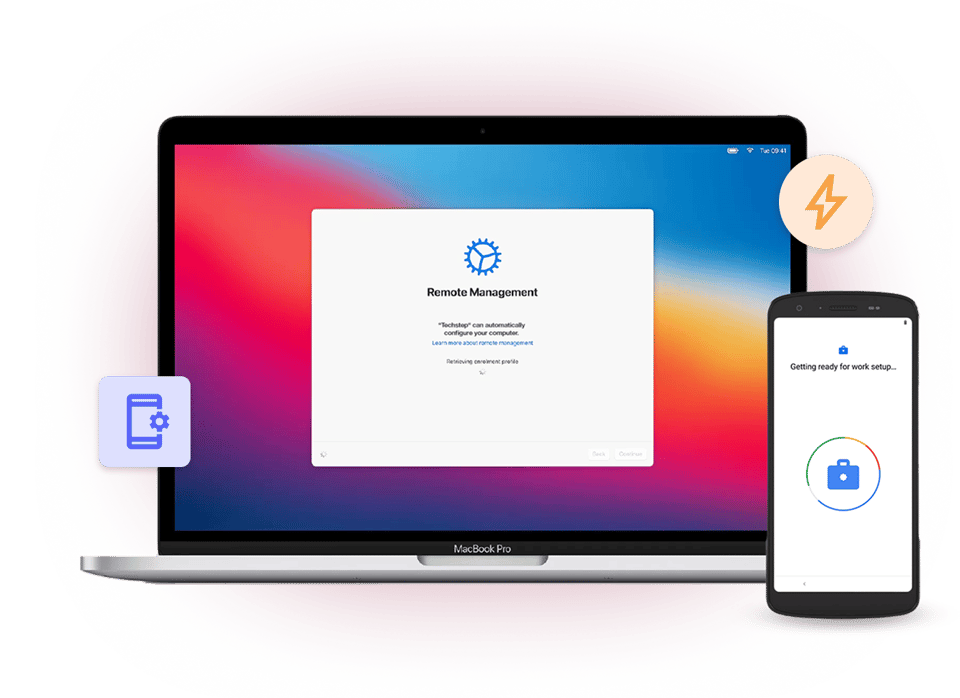
Enrol iOS, Mac, Linux and Android devices with ease and ensure a first-class user onboarding experience.

lock_reset

Flexible
architecture

Flexible architecture and robust endpoint security keeps you complaint without compromising end user productivity.

screen_rotation_up

Personal & role based devices

Configure, manage, secure and keep track of company owned, BYOD and role based devices with ease.

add_to_home_screen-1

Built-in
remote control

Mitigate productivity leakage and assist your users in a cost-efficient and user-friendly manner over the air.

Frame 47738

Zero-touch enrolment

Effortless and automated onboarding enables IT to relax while users seamlessly start without deployment issues or costly support tasks.

check_circle_24dp_5863F9_FILL0_wght400_GRAD0_opsz24
Samsung KME
check_circle_24dp_5863F9_FILL0_wght400_GRAD0_opsz24 Apple DEP
check_circle_24dp_5863F9_FILL0_wght400_GRAD0_opsz24 Google Zero-touch
check_circle_24dp_5863F9_FILL0_wght400_GRAD0_opsz24 iOS, Mac and Android
check_circle_24dp_5863F9_FILL0_wght400_GRAD0_opsz24 Corporate-owned, BYOD, or functional kiosk devices


Essentials-MDM-simplified-administration_v3

Simplified administration

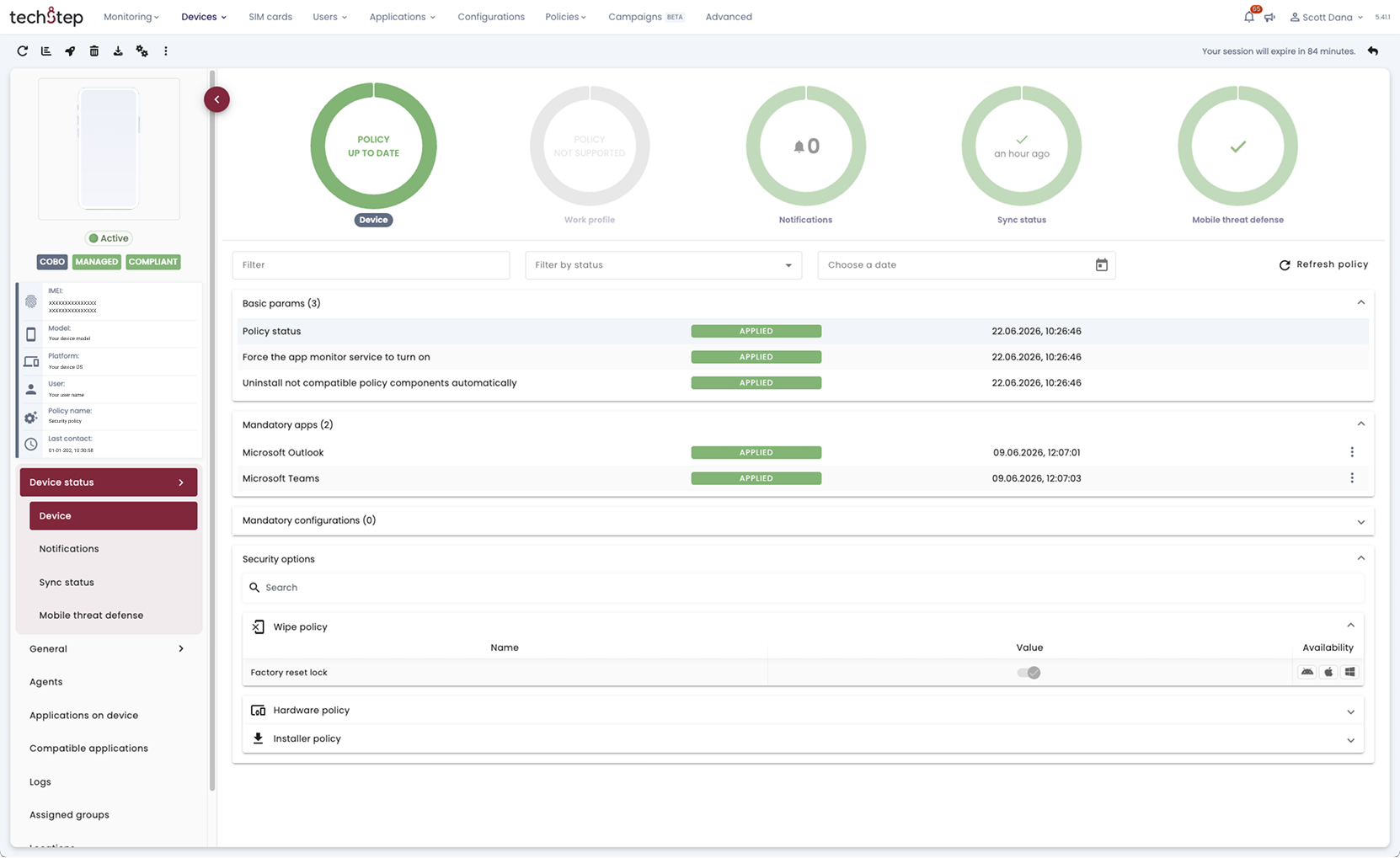
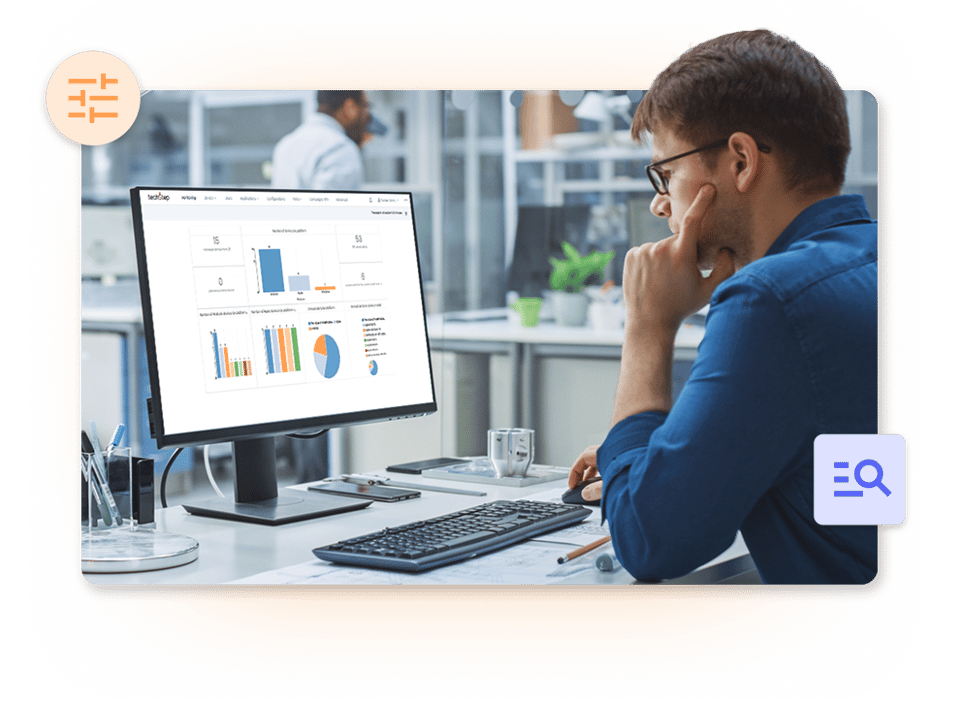
Remote configuration ensures smooth operations across all device types. Access critical device data and real-time insights for enhanced control and security.

check_circle_24dp_5863F9_FILL0_wght400_GRAD0_opsz24
Easy configuration
check_circle_24dp_5863F9_FILL0_wght400_GRAD0_opsz24 OTA updates
check_circle_24dp_5863F9_FILL0_wght400_GRAD0_opsz24 Powerful integrations
check_circle_24dp_5863F9_FILL0_wght400_GRAD0_opsz24 Company app store
check_circle_24dp_5863F9_FILL0_wght400_GRAD0_opsz24 Real-time dashboard
check_circle_24dp_5863F9_FILL0_wght400_GRAD0_opsz24 Drag & drop kiosk configuration


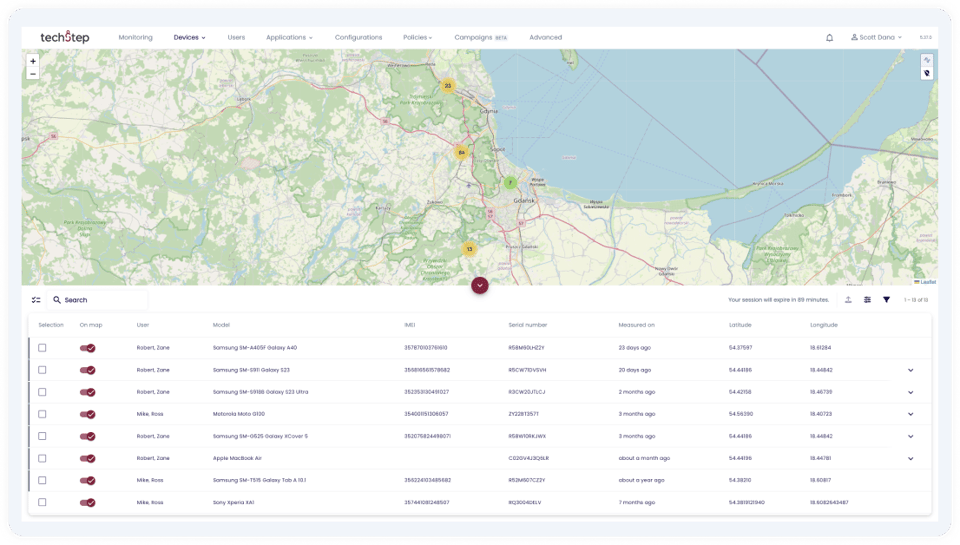
EssentialsMDM-location-security

Security and privacy

Ensure security and user-friendly usage with private APN, communication settings, seamless network integrations, robust encryption, and remote lock/wipe capabilities for device protection.

check_circle_24dp_5863F9_FILL0_wght400_GRAD0_opsz24
On-premise possibility
check_circle_24dp_5863F9_FILL0_wght400_GRAD0_opsz24 Remote wipe/lock
check_circle_24dp_5863F9_FILL0_wght400_GRAD0_opsz24 Data encryption
check_circle_24dp_5863F9_FILL0_wght400_GRAD0_opsz24 Enforce password
check_circle_24dp_5863F9_FILL0_wght400_GRAD0_opsz24 Secure connections (VPN & APN)
check_circle_24dp_5863F9_FILL0_wght400_GRAD0_opsz24 Mobile threat defence integration


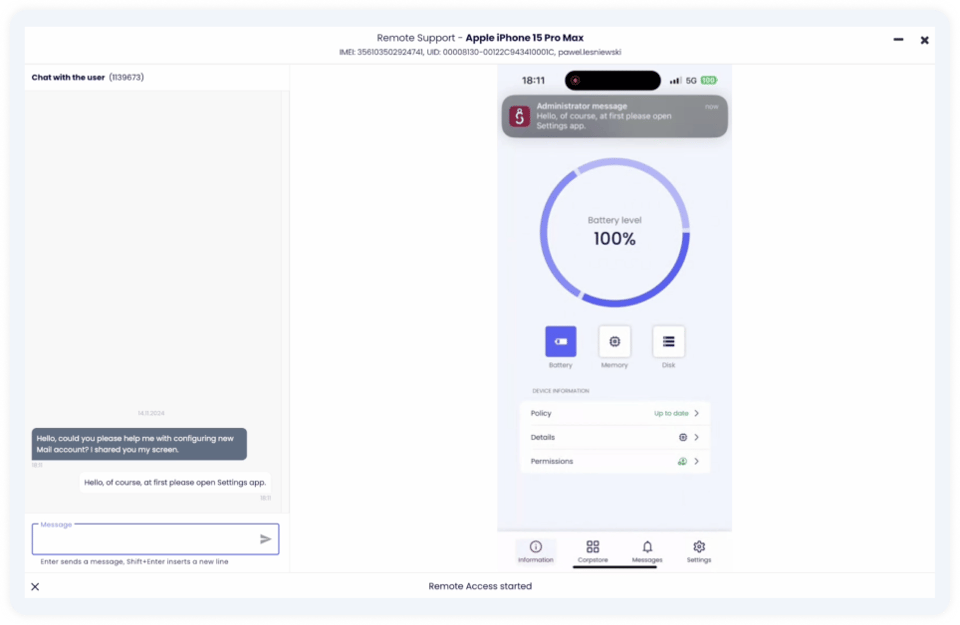
EssentialsMDM-remote-support

Supports your support

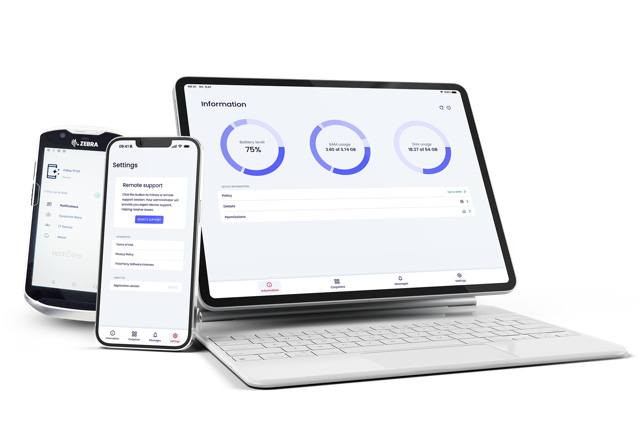
Gain access to detailed device information, troubleshoot issues efficiently, and effectively resolve problems remotely, ensuring operational continuity and minimising expenses associated with downtime and onsite support interventions.

check_circle_24dp_5863F9_FILL0_wght400_GRAD0_opsz24
Remote screen control
check_circle_24dp_5863F9_FILL0_wght400_GRAD0_opsz24 Device health reports
check_circle_24dp_5863F9_FILL0_wght400_GRAD0_opsz24 Alerts & notifications
check_circle_24dp_5863F9_FILL0_wght400_GRAD0_opsz24 Over the air updates
check_circle_24dp_5863F9_FILL0_wght400_GRAD0_opsz24 Instant access to vital data on the devices
Mesta-customer-story-Essentials
Mesta_logo

Enabling efficiency and security at Mesta with Essentials MDM

Overseeing infrastructure projects requires both efficiency and security. Techstep’s customised mobile solution enabled Mesta to optimise workflows, enhance security, and adopt digital transformation.

The Essential MDM features you need


Say goodbye to complexity and high costs.
Experience the simplicity and affordability of managing your mobile devices with Essentials MDM.

phonelink_setup-1

Enrolment

Simplified and automated onboarding for all device types, whether corporate-owned, BYOD, or functional kiosk devices.

cloud_sync-1

OS update management

Over-the-air updates for operating systems and applications guarantee smooth, secure operation and optimal device performance.
widgets_24dp_5863F8_FILL0_wght400_GRAD0_opsz24

Kiosk mode

Secure mobile devices to enhance security, improve operational efficiency, and customise user experiences.

lock_reset

Security management

Mobile security equipped with strong features such as encryption, remote lock/wipe, private APN, and network integrations.
database-2

Flexible architecture

Customised architecture solutions: fully cloud-based, private cloud, or on-site at your facility.
add_to_home_screen-1

Built-in remote control

Hands-on support and full control of your devices with a powerful remote screen control feature included in the standard licence.
important_devices-1

Dashboard

Stay proactive in operations with immediate, easy consumed insights and control capabilities.
bar_chart_4_bars-1

Analytics

Gain insights on your device estate's health status with customisable reports, enabling immediate action directly from the report view.
integration_instructions-4

Integrations

Integrations with Microsoft Exchange, Azure AD, Cisco Umbrella, Samsung Knox, Android Enterprise, Checkpoint Harmony, and more.

Our capabilities in mobile technology

We partner with top-tier manufacturers to provide the best mobile tools and solutions for your team, no matter where they work—whether it's in the office, on the shop floor, or on the move. 

Frequently asked questions


Security & Compliance

How does this solution meet NIS2 and regional regulatory requirements?

Techstep Essentials MDM enforces encryption, MFA, and patching to support NIS2 security and reporting requirements. It provides real-time telemetry for rapid incident detection and audit-ready reporting on device posture, patch levels, and compliance status

Is cloud-only MDM suitable for government or regulated sectors?

Cloud-only MDM is not always suitable when data control, sovereignty, or regulatory requirements demand local or hybrid deployments. Many public sector organisations prioritise on-premise or controlled hosting models to maintain full operational oversight.

Why is this MDM solution suited for European public sector and mission-critical deployments?

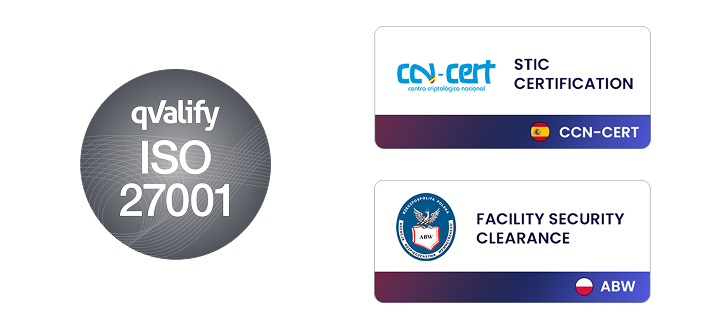
Techstep Essentials MDM supports regulated environments through certified security practices, European compliance alignment, and local hosting options. Techstep also holds an Industrial Security Certificate for handling NATO SECRET information, strengthening trust in high-security deployments.

How does Essentials MDM support a Zero Trust security architecture?

Essentials MDM continuously validates device health and enforces access policies before allowing connections to corporate systems. Access is automatically restricted when devices fall out of compliance, reducing risk from compromised or outdated endpoints.

Is MDM enough to stop AI-generated malware and phishing attacks?

MDM reduces risk by controlling devices, but it works best as part of a layered security approach. Techstep Essentials MDM supports embedded Mobile Threat Defence as well as third-party tools, reducing exposure to phishing and AI-driven threats. For advanced protection, see Essentials Mobile Threat Defense.

Privacy & BYOD

What can IT actually see on a managed device?

IT typically sees device status, security posture, and work-related configurations, not personal content. Techstep Essentials MDM uses OS-level separation so administrators cannot access private photos, messages, or personal apps.

How does Essentials MDM protect employee privacy on BYOD devices?

Essentials MDM separates work and personal data using platform-native containerisation. This ensures IT control is limited to business data while personal information remains private and inaccessible.

How do you support the “Right to Disconnect” in Europe?

Work access can be controlled through scheduled policies that limit notifications and activity outside working hours. This helps organisations align with European labour expectations while maintaining secure device management.

Deployment & Migration

Can we migrate between cloud and on-premise deployments?

Techstep Essentials MDM supports migration between dedicated cloud and on-premise environments in a controlled way. This allows organisations to adapt to changing regulatory or sovereignty requirements without full re-enrolment when using a dedicated cloud setup.

How difficult is it to migrate from an existing MDM solution?

Migration complexity depends on device types, enrolment methods, and existing policies. Most organisations adopt a phased approach using automated enrolment to minimise disruption and maintain operational continuity.

Can we purchase this solution using a CAPEX model?

Techstep offers both subscription and perpetual licensing options to support different budgeting models. This allows public sector organisations to align procurement with long-term financial planning.

How fast can I start using Essentials?

Cloud deployments can be available immediately, while on-premise environments can be set up within hours, depending on requirements. Setup time varies based on the number of integrations and configuration complexity.

See Essentials MDM in action

Fill out the form and book a demonstration of Essentials MDM.